Multi-currency accounts for trading companies: complete 2026 guide

A multi-currency account for trading companies is an account that supports payments in different currencies to help you collect customer receipts and pay overseas suppliers. For importers, exporters, and wholesale distributors, the key questions are whether the account supports your invoice currencies, payment routes, legal entity, and supplier deadlines.
TL;DR
- Choose a multi-currency account for trading companies around invoice currencies, supported destinations, and supplier payment deadlines.
- ACH supports USD payments; SEPA supports EUR payments. Confirm the recipient’s accepted route before sending.
- Keep customer receipts and supplier obligations organized by currency before deciding what to exchange.
- Check entity eligibility, payout limits, team permissions, and fee previews before moving trading payments.
Why multi-currency accounts matter for trading companies
Trading companies coordinate two separate payment flows: customers paying for goods and suppliers requesting settlement. Those flows don't necessarily use the same currency or arrive on the same schedule. Your account needs to support both sides without confusing the commercial invoice, recipient, or paying entity.
For your 2026 account review, start with actual invoices rather than a provider’s currency count. A USD collection route doesn't establish that the same service can pay every supplier destination. Likewise, access to EUR details doesn't establish that a specific customer platform accepts them.
If US supplier payments are central to your operation, the ACH payout guide for US businesses provides a focused companion to this broader account checklist.
Choose payment coverage before account features. A useful dashboard cannot compensate for an unsupported supplier, currency, or legal entity.
How to choose and run your trading account
1. Map your receipts and supplier obligations
Start with a spreadsheet of open customer invoices and unpaid supplier bills. Record the invoice currency, expected payment date, recipient, and company responsible for each obligation. This gives you a practical account specification without buying software first.
Separate confirmed receivables from expected sales. An invoice that hasn't been paid isn't available cash, even when the customer has promised a transfer. Keep freight, inspection, and other supplier obligations separate where they have different recipients or deadlines.
Your 2026 payment map should show where the same currency enters and leaves the business. Use that map to decide which balances you need to retain and which amounts need conversion.
- List customer receipts by currency and expected date.
- List supplier payments by currency and due date.
- Record the legal entity responsible for each invoice.
- Mark obligations that require currency exchange.
- Separate expected receipts from received funds.
2. Confirm each payment route before sharing details
Ask customers which payment methods they can use. Ask suppliers which methods they accept. Do this by email before changing invoice instructions or selecting a provider.
ACH, wire, and SEPA are payment methods, not interchangeable labels. For the USD and EUR setup discussed here, match USD payments to the supported ACH or wire route and EUR payments to SEPA where supported. Confirm the destination as well as the currency.
A supported currency is not proof of a supported destination. Check the exact recipient route before committing to a supplier payment date. Also confirm what information the recipient needs for reconciliation, such as the invoice reference and paying company name.
- Confirm currency: match the transfer to the invoice.
- Confirm rail: agree on ACH, wire, or SEPA.
- Confirm recipient: verify the name and payment details.
- Confirm deadline: distinguish initiation from expected receipt.
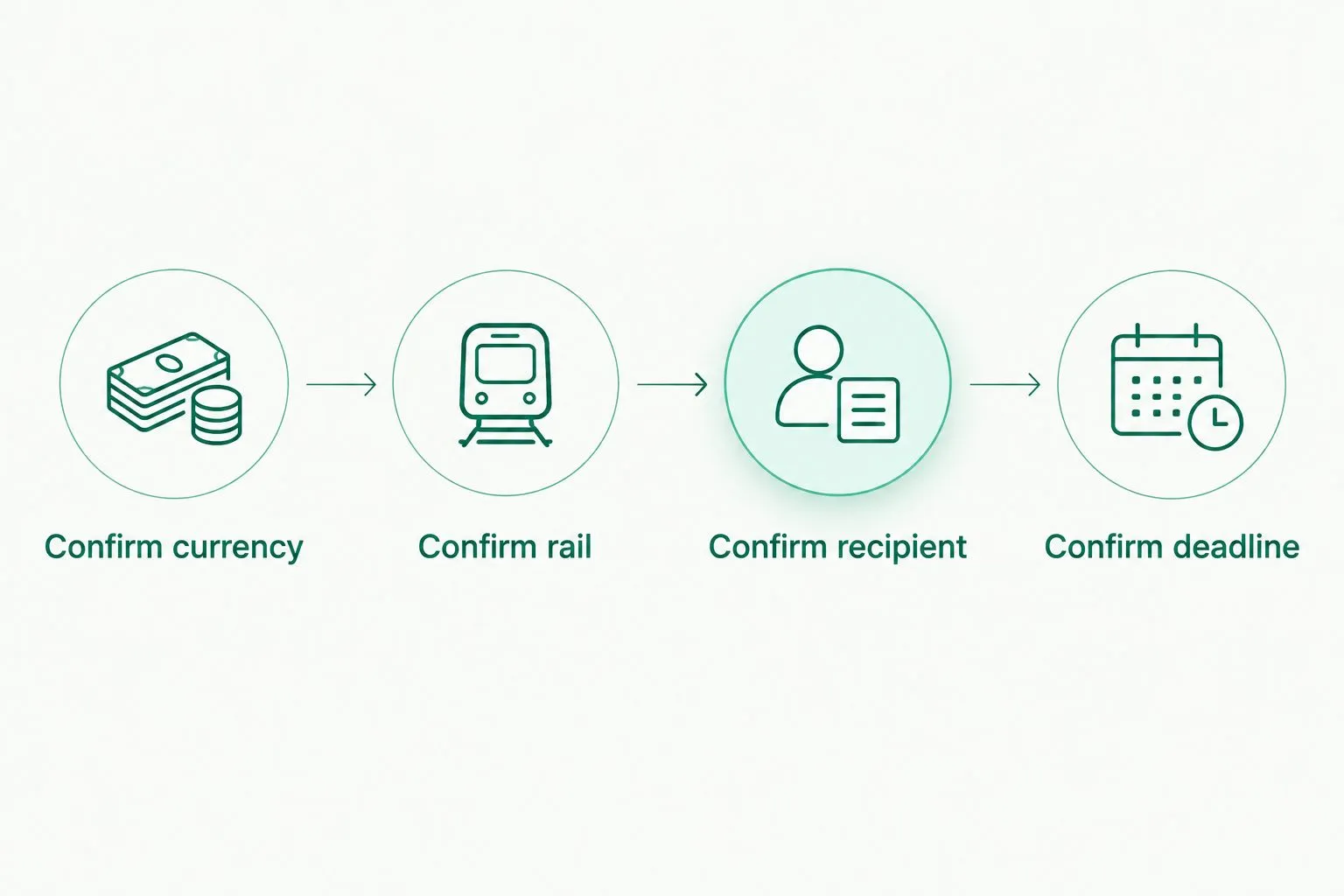
Confirm the payment route and recipient before committing to the supplier deadline.
3. Check the provider against your legal entity
Compare the payment map with each provider’s published capabilities. Start with entity eligibility, supported destinations, account ownership, and payout limits. Don't transfer customer collections until you've confirmed that the setup fits your business.
Moneyspace provides dedicated USD and EUR account details in the customer’s own name, rather than a shared payment reference. Businesses complete online business verification, known as KYB. One verification process opens access to USD and EUR, subject to verification; it isn't a promise of approval.
Moneyspace is best for trading companies that need USD and EUR account details with ACH, wire, and SEPA payments. It supports USD/EUR exchange inside the account, but it isn't a solution for invoices requiring other currencies.
For businesses, the stated payout limit is $100,000 or €100,000 per payout, with no monthly limit. Check individual invoice amounts against that per-payout ceiling. These capabilities and limits come from client-supplied information dated October 26, 2026.
- Confirm eligibility for your company and destination.
- Check that account details identify the correct customer.
- Compare your largest invoice with the per-payout limit.
- Complete business verification before changing collection instructions.
- Confirm support for every required currency.
4. Match currency balances to upcoming obligations
You can plan currency allocation manually. Maintain a balance sheet by currency, then compare received funds with upcoming supplier obligations in that same currency. Decide what to retain before requesting an exchange.
For example, if you receive USD and owe a supplier in USD, first decide whether those receipts should fund that obligation. If the supplier invoice is in EUR, identify the amount that needs conversion. Don't treat the combined value of different balances as one spendable balance for every invoice.
An account with in-account USD/EUR exchange reduces the need to arrange that exchange through a separate workflow. It doesn't remove the need to review the fee or confirm the amount required for the payment.
Keep the 2026 currency plan tied to accepted invoices, not assumptions about future exchange rates. This is payment planning, not a currency forecast.
- Reserve funds for accepted supplier invoices.
- Keep USD and EUR obligations visible separately.
- Exchange against a defined payment requirement.
- Review the displayed fee before confirming.
- Update the ledger after the exchange completes.
5. Assign payment access by responsibility
A shared spreadsheet can record who prepares payments, who checks recipient details, and who reconciles completed transfers. Start there, even if one person currently performs every task. Written responsibilities make handovers clearer.
Moneyspace supports owner, admin, operator, and view-only roles. It also supports several companies and personal profiles under one sign-in. Those features suit teams that need access without treating every user as the same operator.
Every payout, new recipient, and team grant requires 2FA. That authentication requirement doesn't replace your internal check of an invoice or a changed supplier instruction. Keep the commercial decision and the payment action distinct.
For founders managing several trading entities, access through one sign-in is an organizational feature—not a reason to mix company funds or payment records.
- Assign access according to each person’s job.
- Confirm role permissions before granting access.
- Verify changed supplier details through a known contact.
- Record who checked each payment instruction.
- Keep each company’s invoices and balances separate.
6. Schedule payments and reconcile the result
Work backward from the supplier’s receipt deadline. Record the intended sending date, expected arrival window, payment reference, and person responsible for follow-up. A calendar and spreadsheet are enough to establish the process.
The client’s stated usual timing is within a business day for incoming wire and SEPA payments, and 1–3 business days for incoming ACH. Payouts usually take 1–2 business days. Use those qualified windows for planning; don't promise a supplier an exact arrival time.
Moneyspace shows payout status as Processing, On its way, and Completed. Use that status to track the transfer, then match the payment to the correct invoice in your records. Ask the supplier to confirm allocation when the commercial deadline depends on it.
In your 2026 payment calendar, distinguish money expected from customers, money received, and payments already sent. Those are different operational states.
- Schedule around business days and invoice deadlines.
- Avoid relying on an incoming payment still in transit.
- Review the recipient and fee before sending.
- Track the payout through its status changes.
- Match completed payments to supplier invoices.
Open an account
Get your own USD and EUR account details after verification. Check support for your company and payment routes.
Compare account setups for trading companies
Choose the setup that matches your payment map. The options below describe operating models, not a ranking of unnamed providers. Features outside the supplied product information need separate confirmation.
| Option | Best for | Practical advantage | Key limitation |
|---|---|---|---|
| Dedicated USD/EUR account through Moneyspace | Trading companies collecting and paying in USD and EUR | Own-name details, in-account exchange, team roles, and live payout status | Limited to USD and EUR; company and destination support require confirmation |
| Separate currency accounts with manual coordination | Companies keeping payment arrangements separate | Each account can be assigned a defined collection or payment purpose | Staff must coordinate balances, access, and reconciliation across accounts |
| A provider supporting additional required currencies | Companies whose invoices extend beyond USD and EUR | Can match a broader invoice-currency requirement if supported | Verify actual currencies, routes, entities, and destinations before selecting |
| Separate collection and supplier-payout services | Companies with different requirements on each side of a trade | Lets each service address a specific payment task | Adds another handoff to track before supplier settlement |
The dedicated USD/EUR option is a clear fit only when those currencies match your business. If a required invoice currency falls outside that scope, address that gap before moving collections.
Moneyspace is not a bank. Account details are provided through a licensed partner after verification. Treat the service as a payment arrangement and review its terms before placing operating funds in it.
Common mistakes trading companies make
Choosing by currency count instead of invoice coverage
A long currency list doesn't answer whether your actual customers can pay or your actual suppliers can receive. Compare each material payment flow with a supported route. Leave an unresolved route marked as unresolved rather than assuming coverage.
Mixing companies under one payment identity
Founders with several companies need the correct entity on each invoice and payment record. One sign-in doesn't make the companies interchangeable. Check the paying company before sending and reconcile the payment within that company’s records.
Promising supplier receipt from a transfer estimate
Usual transfer timing is a planning input, not a contractual receipt date. Don't promise delivery based only on when you intend to press send. Allow room in the commercial schedule and confirm receipt when it matters to shipment release.
Converting before checking same-currency obligations
Don't exchange a customer receipt automatically when a supplier invoice needs the same currency. Check outstanding obligations first. A written allocation rule makes that decision repeatable without relying on one person’s memory.
Treating payment status as invoice reconciliation
A completed payout still needs to be attached to the correct supplier invoice. Preserve the payment reference and check how the supplier allocated it. Transfer tracking and commercial reconciliation solve different problems.
FAQ
What is a multi-currency account for trading companies?
A multi-currency account for trading companies supports payments in different currencies so a business can collect customer receipts and pay suppliers. Choose one around your invoice currencies, legal entity, payment routes, and deadlines.
Is a USD and EUR account enough for an import-export business?
A USD and EUR account fits an import-export business only when those currencies cover its required payment flows. Check customer collection methods, supplier currencies, and supported destinations before choosing.
Can Moneyspace provide account details in my company’s name?
Moneyspace provides dedicated USD and EUR account details in the customer’s own name after verification. Businesses complete KYB, and access remains subject to verification rather than automatic approval.
What is the business payout limit?
The stated business limit is $100,000 or €100,000 per payout, with no monthly limit. Compare each supplier payment with the per-payout ceiling before committing to the setup.
How long do supplier payouts usually take?
Payouts usually take 1–2 business days under the client-supplied service information. Plan around the supplier’s receipt deadline rather than treating the usual window as an exact arrival time.
Should I exchange every customer payment when it arrives?
Check same-currency supplier obligations before exchanging a customer payment. Reserve funds for accepted invoices, then identify the amount that actually requires conversion.
Can one sign-in support several trading companies?
The supplied product information supports several companies and personal profiles under one sign-in. Keep each company’s invoices, balances, and payment records separate despite the shared access point.
One last thing
Review the largest supplier invoice before reviewing the average payment. A setup that handles routine orders still fails your requirements if one essential invoice exceeds its payout limit or uses an unsupported currency.
Before moving collections in 2026, walk through one real customer receipt and one real supplier obligation on paper. Confirm the entity, currency, route, amount, deadline, and reconciliation reference for both. That exercise exposes a mismatch before it interrupts a shipment.